Understanding sFONT: Bitmap Fonts for Embedded Displays
22-01-2026
If you’ve ever worked with STM32 microcontrollers and their BSP libraries, you’ve probably encountered the sFONT structure. It’s a simple, efficient way to store bitmap fonts for LCD displays. But creating or modifying these fonts? That usually means digging through hex arrays by hand or hunting down obscure desktop tools.
We built a browser-based editor to make this easier.
What is sFONT?
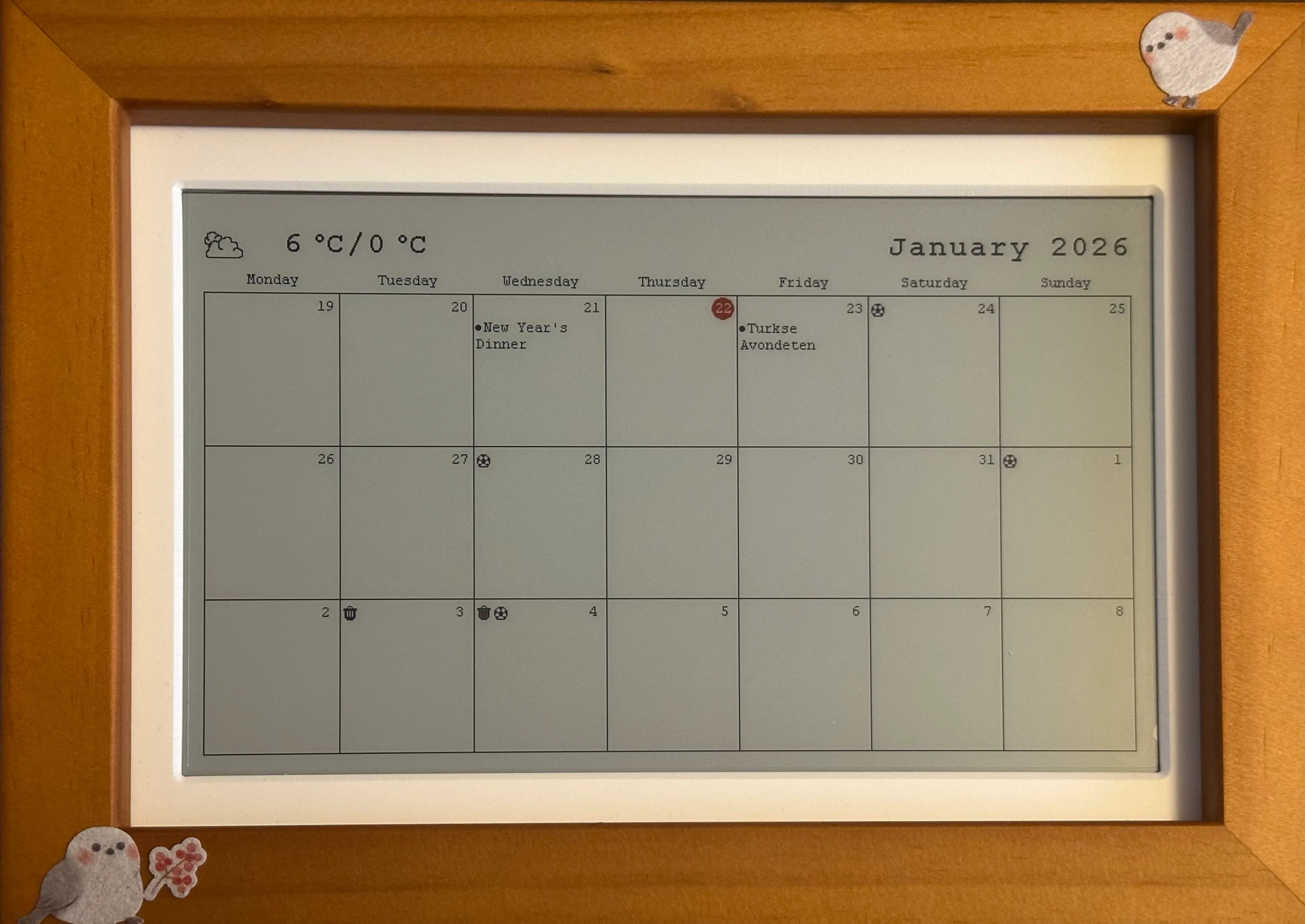
From STM32 LCDs to Waveshare e-paper: sFONT is everywhere
The sFONT format originated in STMicroelectronics’ Board Support Package (BSP) for their display drivers. It’s a straightforward bitmap font format designed for resource-constrained systems where every byte counts.
The format has since been adopted beyond STM32. Waveshare uses the same structure for their popular e-paper display libraries, making it a de facto standard for embedded bitmap fonts across multiple platforms.
A font in this format consists of two parts:
- A byte array containing the pixel data for each character
- An sFONT struct that ties everything together
const uint8_t MyFont_Table[] = {
    // @0 ' ' (7 pixels wide)
    0x00, 0x00, 0x00, 0x00, 0x00, 0x00, 0x00, 0x00, 0x00, 0x00, 0x00, 0x00,
    // @12 '!' (7 pixels wide)
    0x00, 0x10, 0x10, 0x10, 0x10, 0x10, 0x00, 0x00, 0x10, 0x00, 0x00, 0x00,
    // ... more characters
};

sFONT MyFont = {
    MyFont_Table,
    7,  /* Width */
    12, /* Height */
};
Each character is stored as a sequence of bytes, row by row, with pixels packed from the most significant bit. The standard character set covers ASCII 32 (space) through 126 (tilde).
Why Bitmap Fonts Still Matter

Every pixel is under your control
In an age of scalable vector fonts, why would anyone use bitmaps? For embedded systems, the reasons are compelling:
-
Predictable Memory Usage: A 7x12 font with 95 characters uses exactly 1140 bytes. No surprises, no runtime allocations.
-
Fast Rendering: Drawing a character is just copying bytes to a frame buffer. No glyph rasterization, no anti-aliasing calculations.
-
Perfect Pixel Control: On a 128x64 OLED, you want to know exactly which pixels light up. Vector fonts at small sizes often look muddy after rasterization.
-
No Dependencies: The font is just a C array. No font parsing libraries, no file system access, no heap.
The Problem with Editing
Here’s where things get frustrating. The STM32Cube packages include several pre-made fonts, but what if you need to:
- Tweak a character that looks off on your specific display?
- Add a custom symbol or logo glyph?
- Create a font optimized for your exact pixel dimensions?
- Fix a character that was clearly designed for a different aspect ratio?
Your options are limited. You can stare at hex values and try to visualize bits, or you can search for desktop font editors that may or may not export in the right format.

Manually editing hex values is error-prone
A Better Way
We built the sFONT Generator to solve this exact problem. It’s a visual editor that runs entirely in your browser.
Draw Pixels Directly
Click or drag on the grid to toggle pixels. The interface shows you exactly what will be rendered on your display, at the exact dimensions you specify.
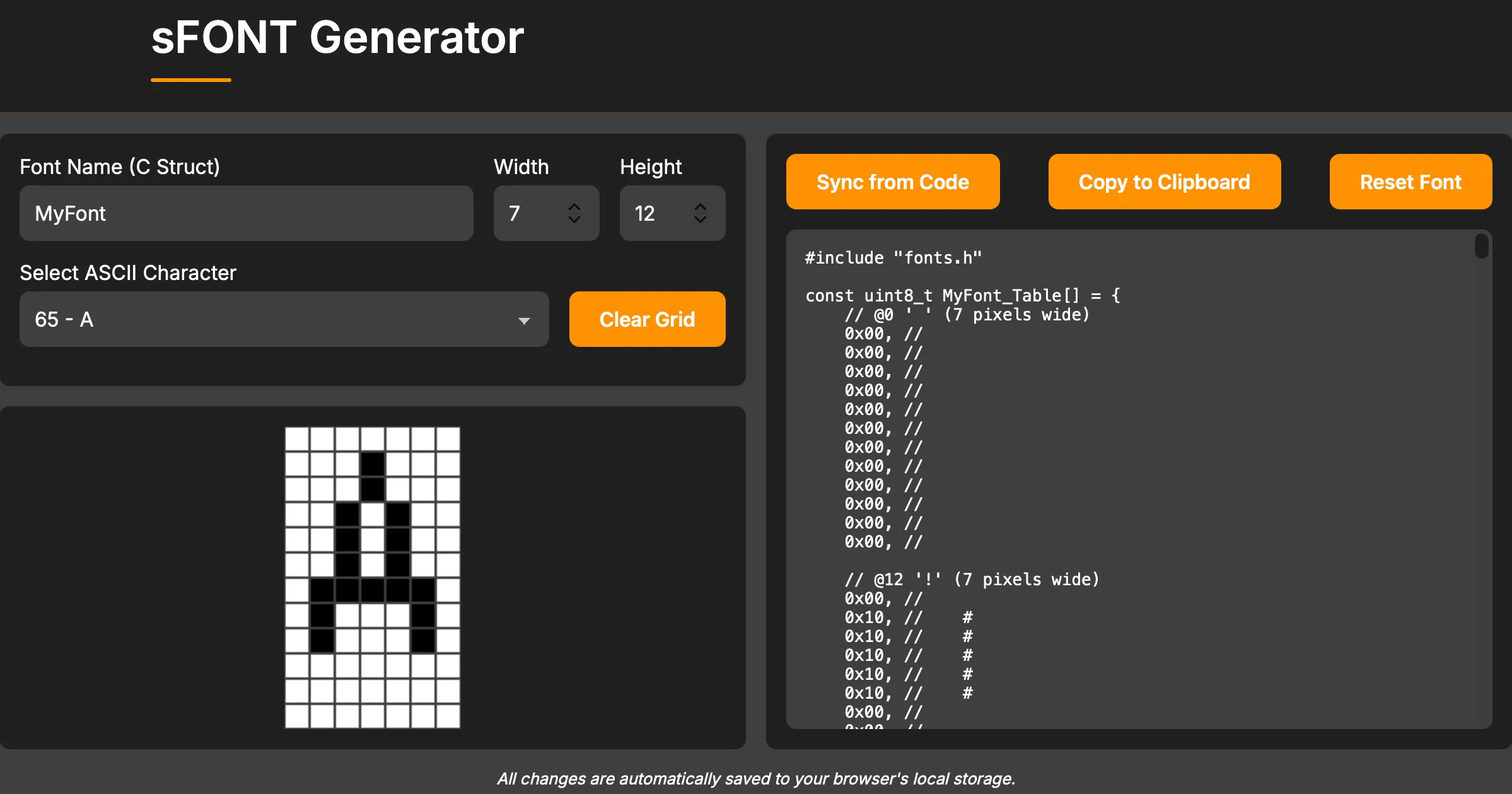
The pixel grid editor with live C code preview
Live Code Generation
As you edit, the C code updates in real-time. You can see the hex bytes change and verify the visual comments match your intentions.
Import Existing Fonts
Already have an sFONT in your codebase? Paste the C code into the editor, click “Sync from Code,” and the tool will parse the hex bytes and reconstruct the visual representation. Now you can tweak individual characters and export the updated code.
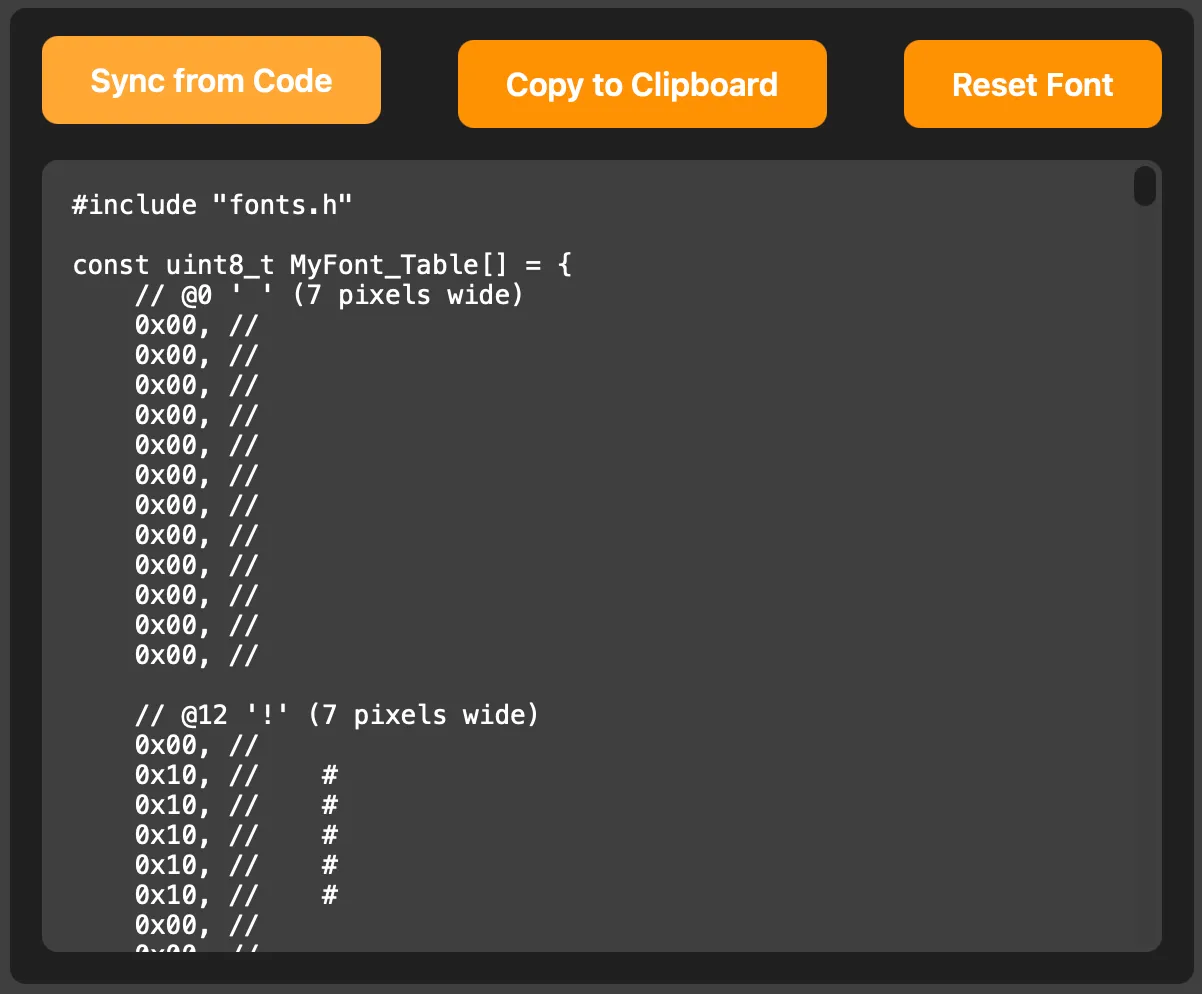
Import existing font code and edit visually
Configurable Dimensions
Need a 5x8 font for a tiny OLED? A 16x24 font for a larger TFT? Set any width and height up to 64 pixels. The tool handles the byte packing automatically.
How the Format Works
Understanding the byte layout helps when debugging display issues. Here’s how a character gets encoded:
For a 7-pixel-wide font, each row takes 1 byte (since 7 bits fit in 8). The pixels are packed MSB-first:
Pixel positions:  0 1 2 3 4 5 6 (unused)
Bit positions:    7 6 5 4 3 2 1 0

Example row with pixels at positions 1 and 4:
Binary: 0 1 0 0 1 0 0 0 = 0x48
For wider fonts (9-16 pixels), each row takes 2 bytes. The tool handles all this arithmetic, so you can focus on the visual design.
Beyond Text: Creating Colored Icons
Here’s a trick that isn’t obvious from the format: you can use sFONT glyphs to create multi-colored graphics on displays that support color.
The technique is simple. Instead of designing a single icon, you split it into layers—one for each color. Store each layer as a separate character in your font. Then render them at the same position, each in a different color.

Three monochrome layers combine into one colored icon
For example, a battery indicator might have:
- Character
A: The outline (rendered in white) - Character
B: The fill level (rendered in green) - Character
C: A warning symbol (rendered in red when low)
// Render a colored battery icon at position (x, y)
LCD_SetTextColor(WHITE);
LCD_DisplayChar(x, y, 'A');  // Outline

LCD_SetTextColor(GREEN);
LCD_DisplayChar(x, y, 'B');  // Fill

if (battery_low) {
    LCD_SetTextColor(RED);
    LCD_DisplayChar(x, y, 'C');  // Warning
}
This approach keeps the memory footprint tiny while giving you colorful, pixel-perfect icons. The sFONT Generator makes it easy to design these layers visually—just create each layer as a separate character and align them by eye.
Practical Tips
Start with an existing font. The tool loads with a default 7x12 font. Use it as a baseline and modify characters as needed rather than starting from scratch.
Test on real hardware. What looks perfect in the browser might have contrast issues on your actual display. Keep your development board handy.
Consider character width. sFONT uses fixed-width characters. If you’re displaying mostly numbers, a narrower font saves screen real estate.
Save your work. The tool auto-saves to your browser’s local storage, but export your C code regularly. Local storage can be cleared by browser cleanup tools.
Try It Yourself
Whether you’re creating a custom font from scratch or tweaking STM’s default fonts to better fit your display, the sFONT Generator makes the process visual and immediate.
- Try the tool: sFONT Generator
- Works offline: Once loaded, no internet connection required
Need Help with Display Integration?
If you’re working on an embedded display project and running into issues with fonts, graphics, or driver integration, we can help. We’ve worked with everything from tiny OLEDs to industrial TFT panels.
📧 Contact us at altug@alsoft.nl
⚙️ Check out our other Tools